

Description
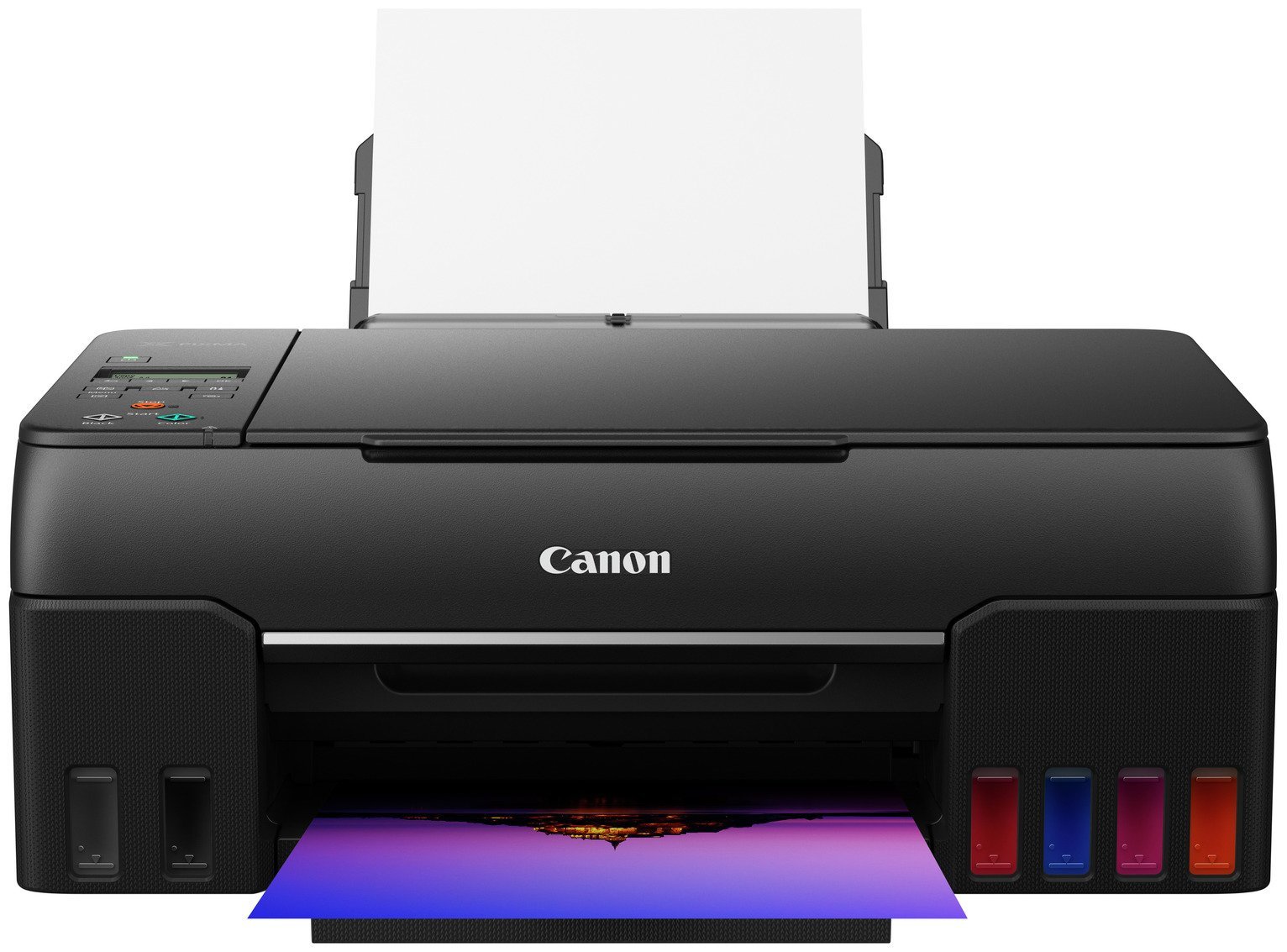
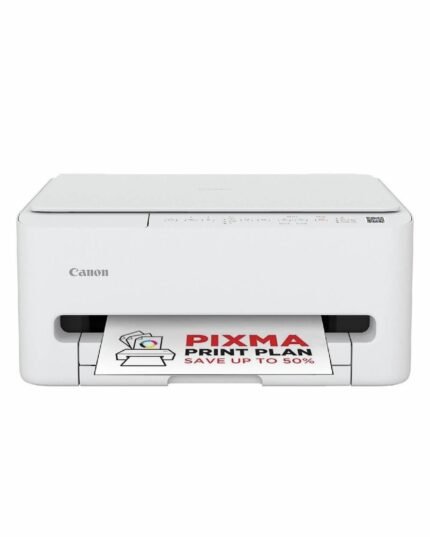
The Canon PIXMA G650 is perfect for printing large volumes of high-quality borderless photos up to A4 size in a studio, at home or in the office. Total cost of ownership is reduced with this high-volume printer thanks to the six refillable dye-based ink tanks that last longer between refills. Changing inks is error-free and mess-free thanks to the non-squeeze bottles. You’ll save time as you can print from your phone or tablet using the Canon PRINT App or connect via Wi-Fi to your devices. . Six DYE Inks: High Quality and Fastness – New red and grey inks for enhanced colour gamut and high-quality photo printing. Maintenance Cartridge – User can replace print head and maintenance cartridge by themselves to reduce downtime. . High-Volume Photo Printing – High-volume ink tanks enable high page yields: one set of bottles can print around 3,800 4×6 photo prints, meaning fewer bottle refills. Enhanced Media Support – Improved feed accuracy and capacity across a wide variety of photo papers. Printer: Compatible with PC and Mac.; A4 print speed – black text: 3.9ppm (pages per minute).; A4 print speed – colour text: 3.9ppm (pages per minute).; Up to 4800 x 1200dpi print resolution.; Up to 4800 x 1200dpi colour print resolution.; Fits paper up to A4.; Manual duplex (double sided) printing.; Borderless printing.; 100 sheet paper capacity.; Recommended ink: GI-53.; Scanner and copier: Fits paper up to A4.; Flat bed scanner.; Connectivity: Suitable for office printing.; Suitable for photo printing.; PictBridge – print images directly from a digital camera.; USB port.; Wireless/WiFi enabled.; Apple AirPrint – depending on device, please check your manufacturer’s settings.; Email Print.; Mobile print enables printing directly from your smartphone or tablet through brand specific apps.; Compatible app: Canon PRINT Inkjet/SELPHY app Creative Park app Easy-PhotoPrint Editor app.; General information: Minimum Mac operating system required: OS X 10.12.6 macOS 10.15.; Minimum Windows operating system required: Windows 10Windows 8.1Windows 7 SP1 Operation can only be guaranteed on a PC with pre-installed Windows 7or later. Printer driver and IJ Printer Assistant Tool available with following OS. Windows Server 2008 R2 SP1Windows Server 2012 R2Windows Server 2016Windows Server 2019.; Photo editing software included.; Weight 6.6kg.; Includes Printer, 6 ink bottles (1 Black, 1 C/M/Y, 1 Red, 1 Grey), Power cord, Setup CD-ROM, Manuals.; Size H16.7, W44.5, D34cm.; Manufacturer’s 2 year guarantee.; EAN: 4549292172652.

Anonymous –
Arrived at pick-up hub on time and is performing well…………print is a little slow but results ,even without tweaking, are excellent.
Anonymous –
Im very happy with my purchase the Canon g650 photo printing result are excellent
Anonymous –
It all came together eventually, i am no comouter buff, but it we t pretty well, i wont say without a hit h be ause i had a few, but all good now. I have only used it so far for eeryday printing no photos as yet and it seems to do well … if slow, but i want some nice photos from it, so that is to be expected and i don’t mind, but if you are after a fast printer give this one a go by. Seems well built, not too noisy, little on the larger side, but fits where i need it too. Much prefer a bottom feed but thats neither here nor there, overall i would recommend it and i hope it lasts a bit longer than my other Canon £250 purchase which lasted 13 months and then clapped out, i didn’t even get the chance to refill the inks and i still have six brand new bottes.
Anonymous –
Excellent printer. Colours drop out if you move it around, so I keep it stationary and it works fine.
Anonymous –
Very pleased with this printer. Good quality photo prints and useful to print via the internet using iPhone which is easy to use. . Only improvement would be a printing app for MacBook to match the iPhone.
Anonymous –
A great all round printer particularly good with photo quality for the price. Would recommend especially with the great discount!!
Anonymous –
A recent purchase to replace an existing printer.
Anonymous –
Very good printer with only one drawback. The paper can be loaded with only one sort of paper at a time so you cannot load plain and photo paper simultaneously. The photo printing is excellent.
Anonymous –
Good value all purpose printer.
Display screen too small and difficult to read.
Anonymous –
Pretty easy to set up, good quality print. Use the program that came with it, used a third party program on my iPad and it did make a difference. Does feel a bit plasticity and the screen is a pain to see but I did go for the cheaper of the range. Overall, very happy.