
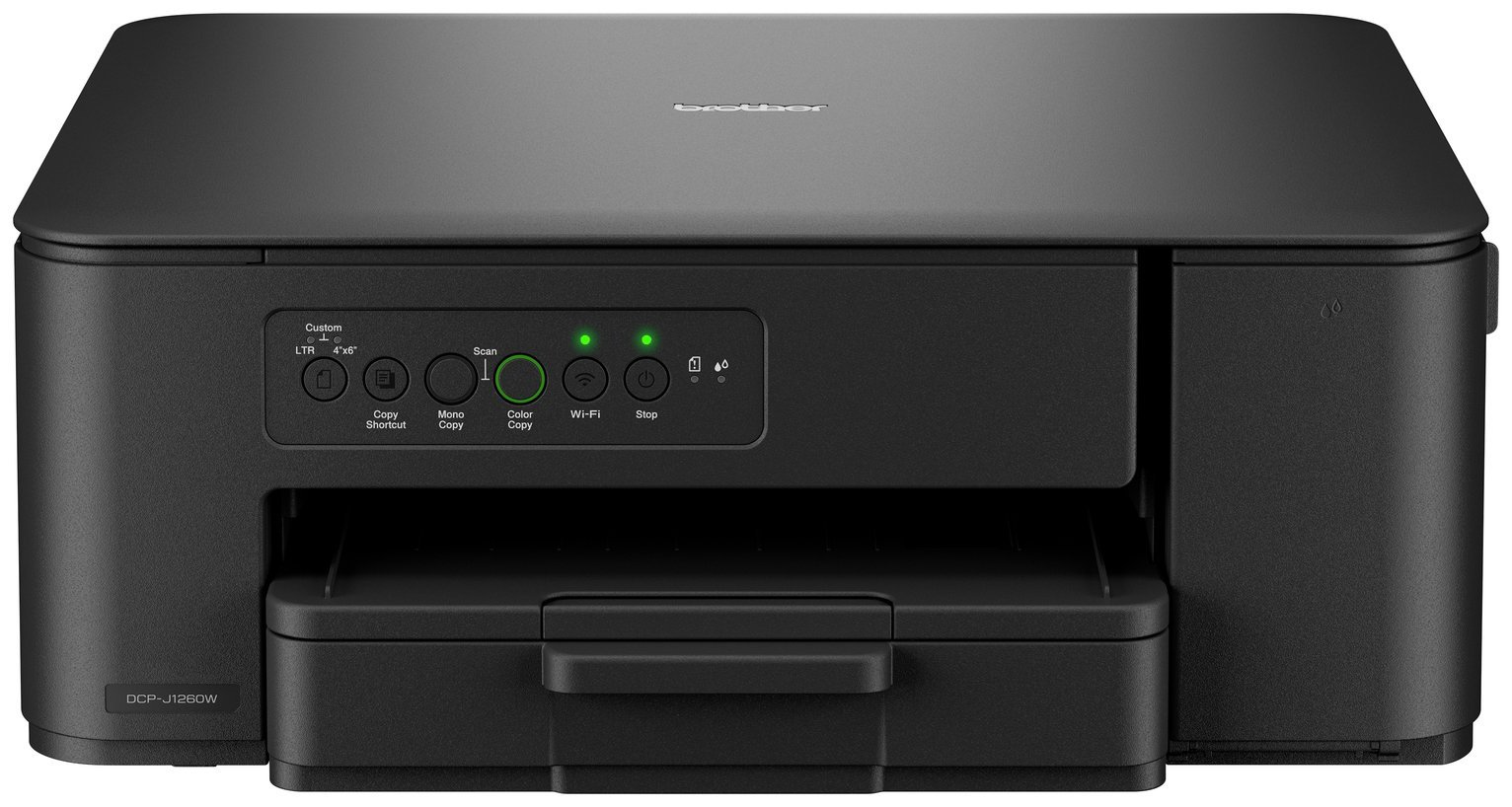

Description
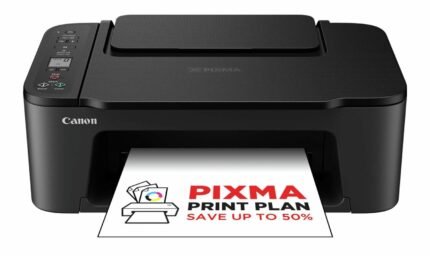
Your connected, stylish, compact 3-in-1 wireless inkjet printer. Designed to fit perfectly into small spaces, the compact DCP-J1260DW provides straightforward functionality and excelling print quality at an affordable price. . Wireless connectivity allows everyone in your household to print easily from their laptop or mobile device. . Easily print, scan and copy from one device. Printer: Compatible with PC and Mac.; A4 print speed – black text: 16ppm (pages per minute).; A4 print speed – colour text: 9ppm (pages per minute).; Up to 6000 x 1200dpi print resolution.; Up to 6000 x 1200dpi colour print resolution.; Fits paper up to A4.; Prints on paper up to 220gsm.; Manual duplex (double sided) printing.; Borderless printing.; 150 sheet paper capacity.; Uses 4 ink cartridges.; Recommended ink: LC521BK, LC521C, LC521M, LC521Y.; Scanner and copier: 1200 x 2400dpi optical resolution.; Fits paper up to A4.; Flat bed scanner.; Connectivity: Suitable for office printing.; USB port.; Wireless/WiFi enabled.; Apple AirPrint – depending on device, please check your manufacturer’s settings.; Google Cloud Print.; Mobile print enables printing directly from your smartphone or tablet through brand specific apps.; Compatible app: Brother Mobile Connect.; Bluetooth wireless technology enabled .; General information: Minimum Mac operating system required: Brother iPrint & Scan Desktop.; Minimum Windows operating system required: Brother iPrint & Scan Desktop.; Weight 6.3kg.; Includes Device, In-box inks, Power supply cord, Quick set-up guide, Warranty card.; Ink cartridge included.; Size H14.8, W39, D34.3cm.; Manufacturer’s 1 year guarantee.; EAN: 4977766838733.


Anonymous –
Easy to setup and easy to use.
App to print/scan from phone is user friendly
Print quality is good for a home printer
Anonymous –
This was a nightmare to set up needing various pieces of software to be installed which were not automatic and yo had to find them yourself on their website. Took me 3 days to get going but once installed and connected it’s perfect, so I’ve given it 4 stars. It doesn’t include the cable so you have to connect on WiFi.
Anonymous –
Best printer ever owned so easy to setup, will 100
Recommend this to my friends and family….
Anonymous –
Very pleased with the printer all good
Anonymous –
Purchased recently, went with reviews the good and bad, personally found setup/wireless good not problems. Quick to print, good quality/resolution. Only really wanting it as a backup printer. Only reason why not 5 stars is because the black ink seems to be going down a bit quick considering havent printed much.
Anonymous –
Good fast printer for home use including voluntary work
Anonymous –
Exactly what I was looking for. Easy to use.
Anonymous –
Printer is good for my needs .. acceptable price .. print quality is fine .. doesn’t take up too much space ..
Anonymous –
This has paid from itself from first use. Easy to set-up and I would recommend this to anyone
Anonymous –
I bought this for my own use and was hoping it was easy to set up and compatible with Mac. It is easy to set up, didn’t have to ask my husband to do it. The ill colours aren’t very bright more like a faded colour but at the moment I’m still using the ones that came with the printer. 4 ink cartridges in total. When printing labels it’s fast and so far had no issues connecting to wi-fi